Clinical learning
Plan departmental postings, capture supervised learning evidence and identify records awaiting review.
Explore the training journey ↗For medical & nursing colleges
Connect admissions, classes, attendance, assessments and administration—so students, faculty and staff work from a shared institutional context.
A focused medical education foundation. A broader healthcare vision.
One student journey.
Many teams working together.
Matra Health / The platform at a glance
Explore how the platform connects teams, turns activity into insight and brings AI into everyday workflows.
Bring academic delivery, institutional operations and student services around shared records, permissions and reporting.
Explore all ERP modules ↗Move from isolated totals to a view of stage progress, pending work and accountable ownership.
This sample shows a fictional admissions cohort, not live institution data.
Try the interactive analytics views ↗Explore AI for document extraction, source-linked answers, care summaries and follow-up coordination—with a person reviewing the output.
Illustrative use cases. Configuration and availability are agreed for each implementation.
Explore the AI use-case workspace ↗From the campus desk to the skills lab
Connect the people coordinating admissions with the teams delivering supervised medical education.

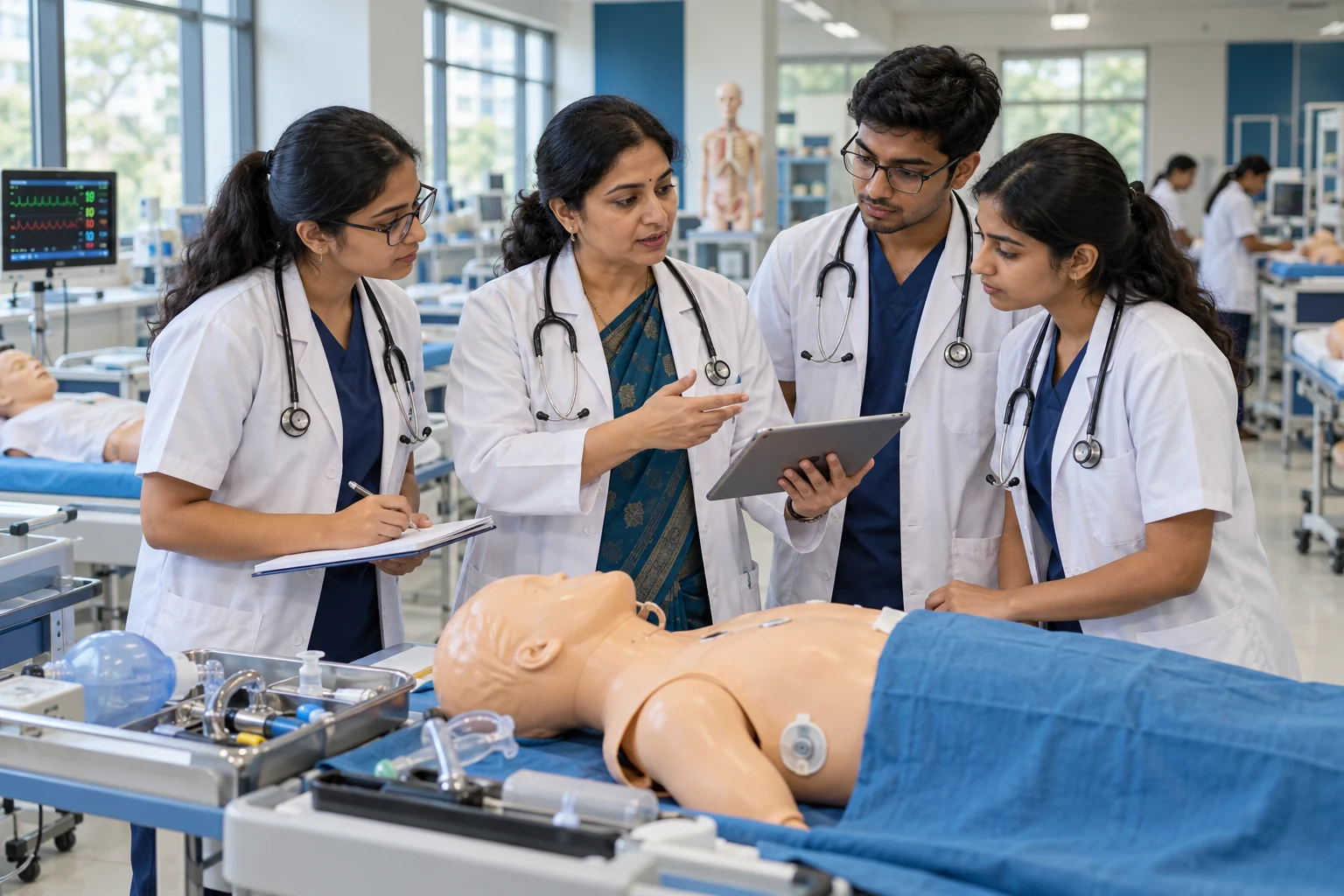
The medical college context
A medical institution connects learning, hospital experience and campus life. Explore additional workflows alongside the eight core ERP modules.
Plan departmental postings, capture supervised learning evidence and identify records awaiting review.
Explore the training journey ↗Bring academic records, faculty information and supporting documents into an organised review process.
Explore academic workflows ↗Map library, hostel, scholarship and certificate needs to the student record and the responsible team.
Explore campus workflows ↗Scope by institution. These additional workflows are areas for configuration, integration or development after a requirements review. Availability is confirmed in the agreed scope and demonstration.
Built around the people doing the work
A student needs a document verified. A faculty member needs an attendance view. A care team needs the latest case context. Matra Health brings these everyday hand-offs into focus.

An application becomes a student record. Classes, attendance and assessment history stay connected as the student progresses.
Explore the workflow ↗
Clear case context helps the authorised team prepare for review, document the encounter and track the next hand-off.
Explore the workflow ↗
Appointments, documentation and follow-up are connected tasks. Map the owner and next action so the work does not stop at the consultation.
Explore the workflow ↗AI-generated Indian healthcare and education scenes; not actual staff or customer photographs.
The product promise
Admissions, faculty, administration and student services depend on each other. Your systems should reflect those connections.
Carry context from the first application to enrollment, attendance and academic history.
Route actions through the relevant roles, permissions and configured institutional rules.
Bring pending work, assessment outcomes and service requests into operational reporting.
Explore the platform
Eight core modules, role-based workspaces and shared controls.
Fee records, biometric attendance, communications and gateway support.
Web + Mobile delivery, institutional hosting, training and maintenance.
Active hospital, telehealth and AI-assisted workflow modules.
The intelligence layer
See the relationship between institutional activity, useful signals and the next action. A shared view makes the hand-off visible.
Shared records
Roles · Context · History
From scope to daily use
Validate the core ERP. Connect clinical learning. Integrate learning and library services. Organise evidence and assessment. Add campus services where needed.
Frequently asked questions
Understand the scope, dependencies and decisions that matter for your institution.
Matra Health brings medical education, institutional administration and healthcare workflow requirements into one connected platform approach. Explore the eight core ERP modules, then agree any additional clinical or campus-service scope with our team.
The core catalogue has eight modules and 40 functional areas grouped within them. Attendance and timetables, for example, sit within Academics. Additional medical-college workflows are scoped separately; they are not counted as live core modules.
Compare the tasks each product supports, the depth of each workflow and the systems it connects. A vendor may count attendance, timetable and academic history separately, while another groups them under Academics. Ask for a workflow demonstration and an itemised scope.
A focused pilot can be defined around your priorities. Agree dependencies, users, data and acceptance criteria before extending the implementation to more departments.
Tell us your institution type, approximate student and staff numbers, existing software and the tasks that create the most follow-up. Use the enquiry form to outline your priorities; do not include patient records.
Start with your workflows, current systems and priorities.